
1
Visit geofencing.pro
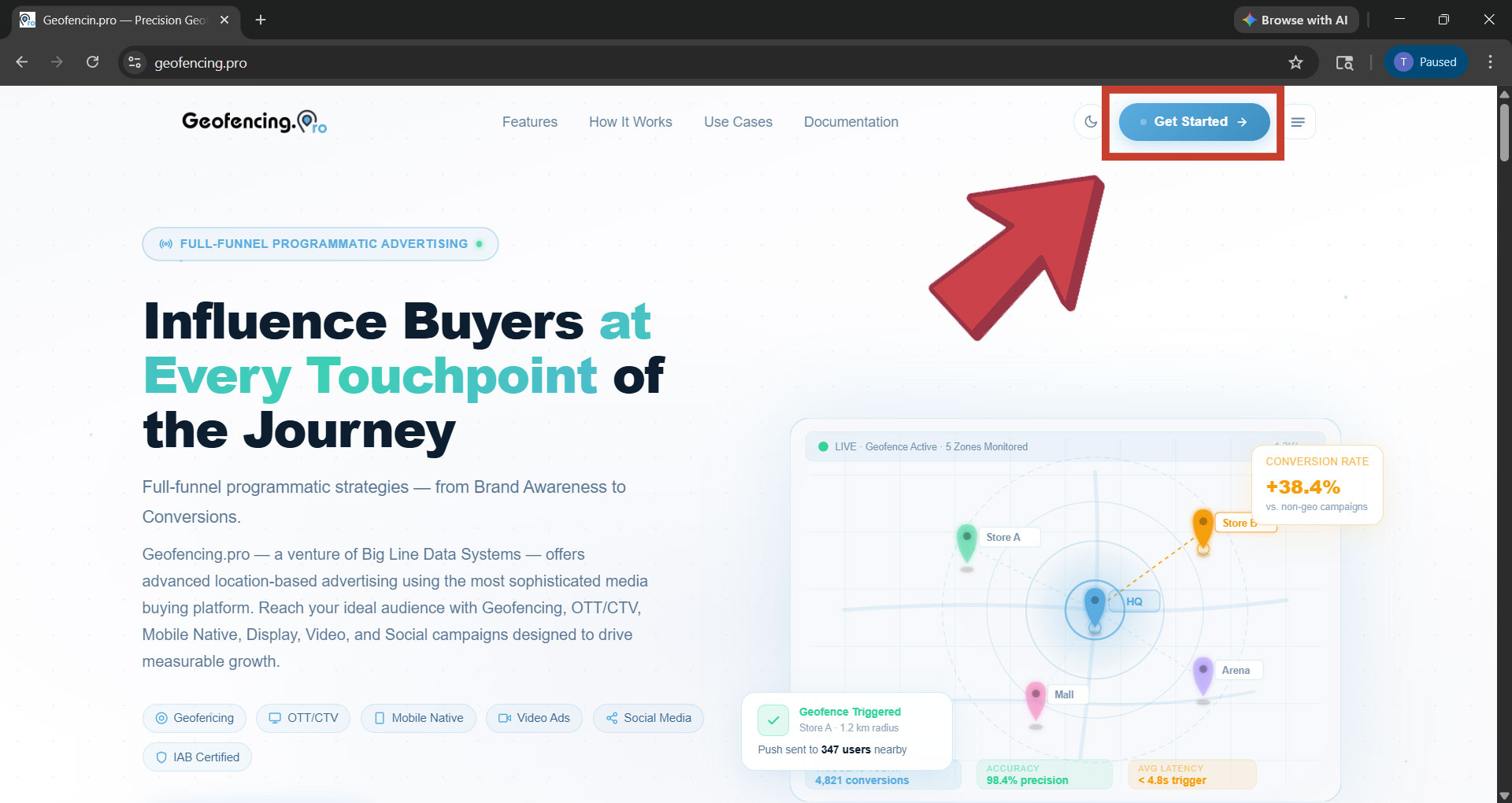
Open your browser and go to geofencing.pro. Click the “Get Started” button on the homepage.
2
You will be redirected to the dashboard
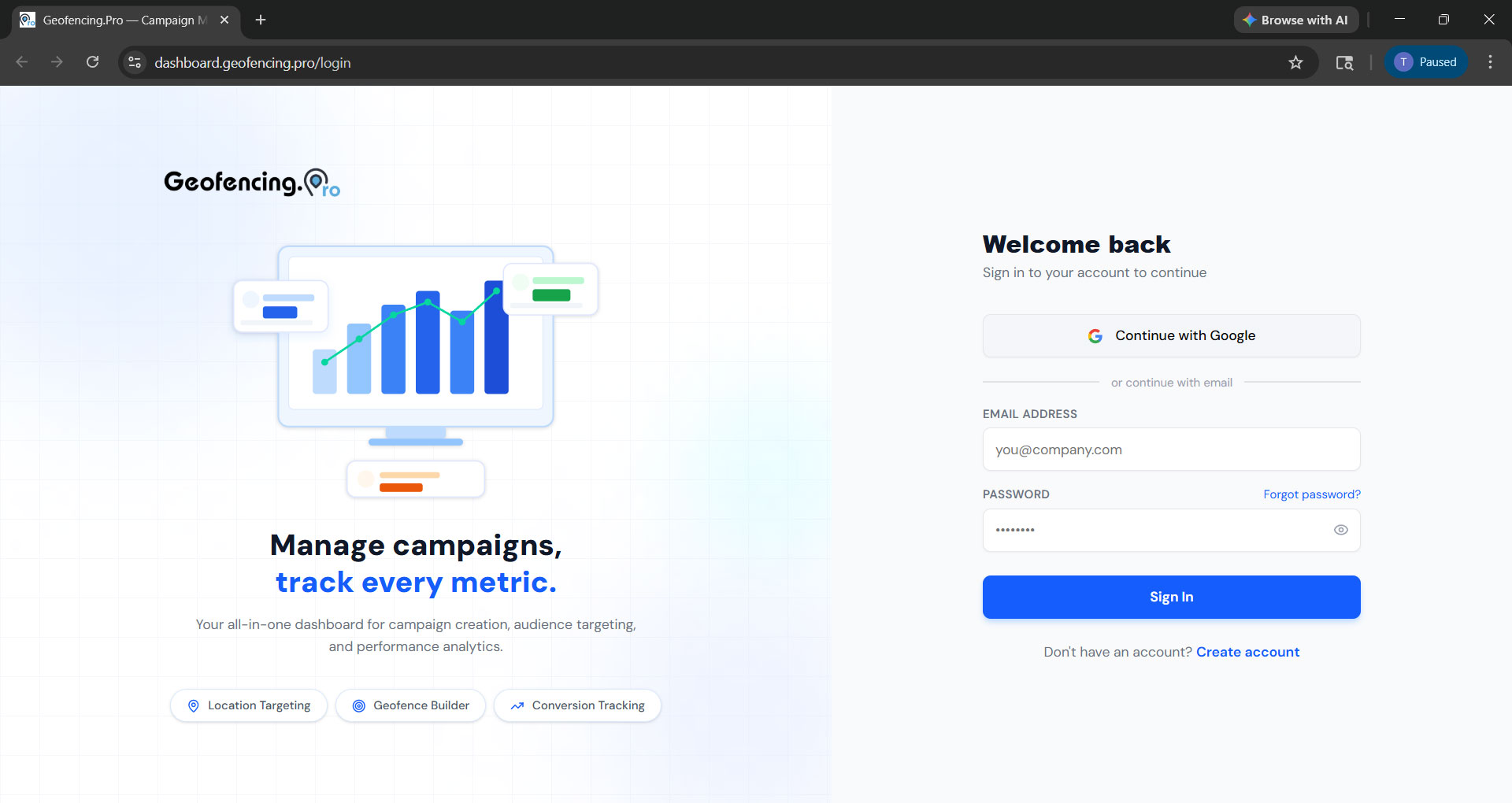
You will be taken to dashboard.geofencing.pro where the login screen will appear. If you already have an account, you can sign in directly from here.
3
Choose how to sign in
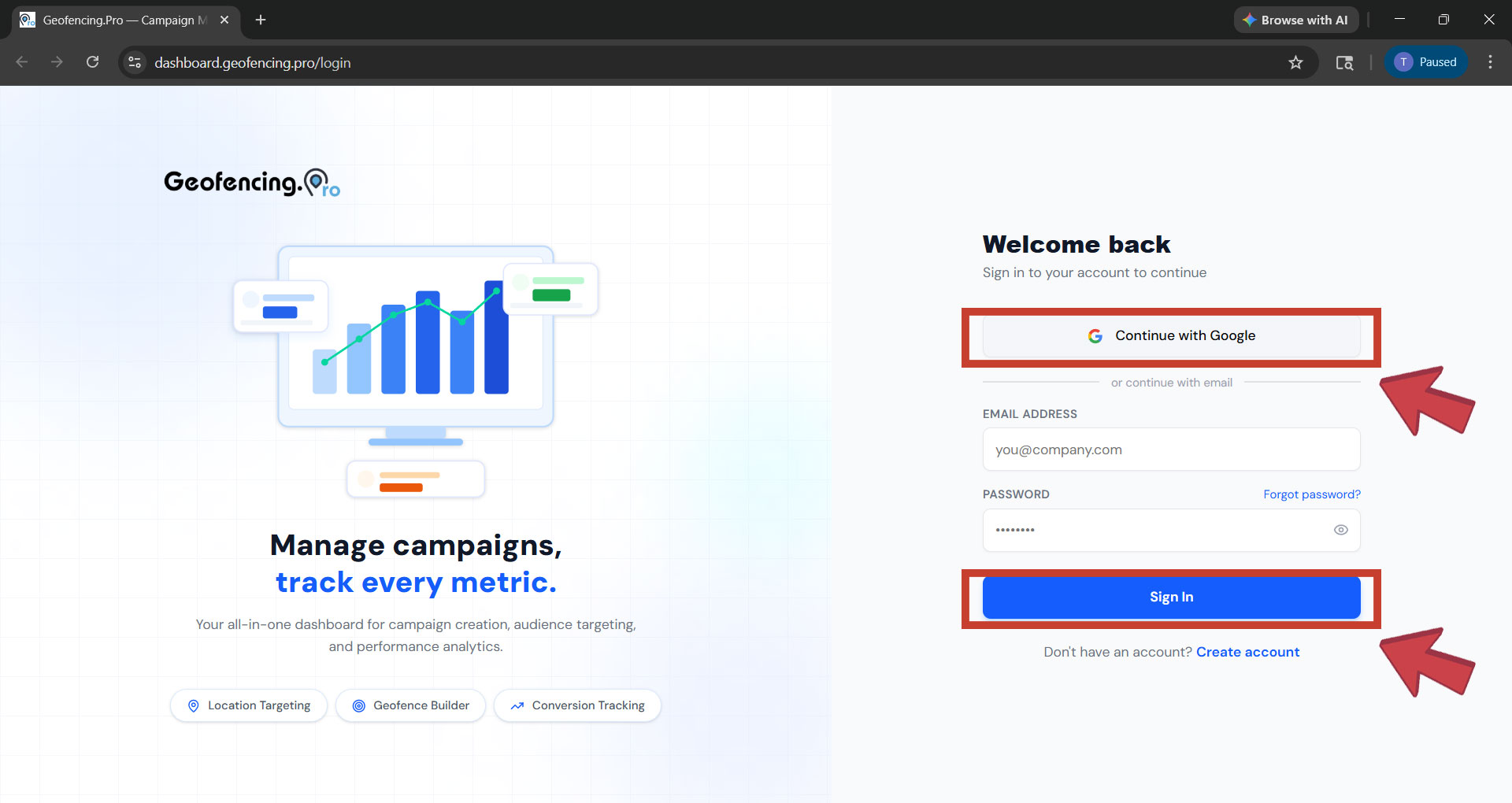
You have two options to sign in:
- Continue with Google — sign in instantly using your Google account.
- Email & Password — enter the email address and password you used when creating your account, then click “Sign In”.
4
Access your dashboard
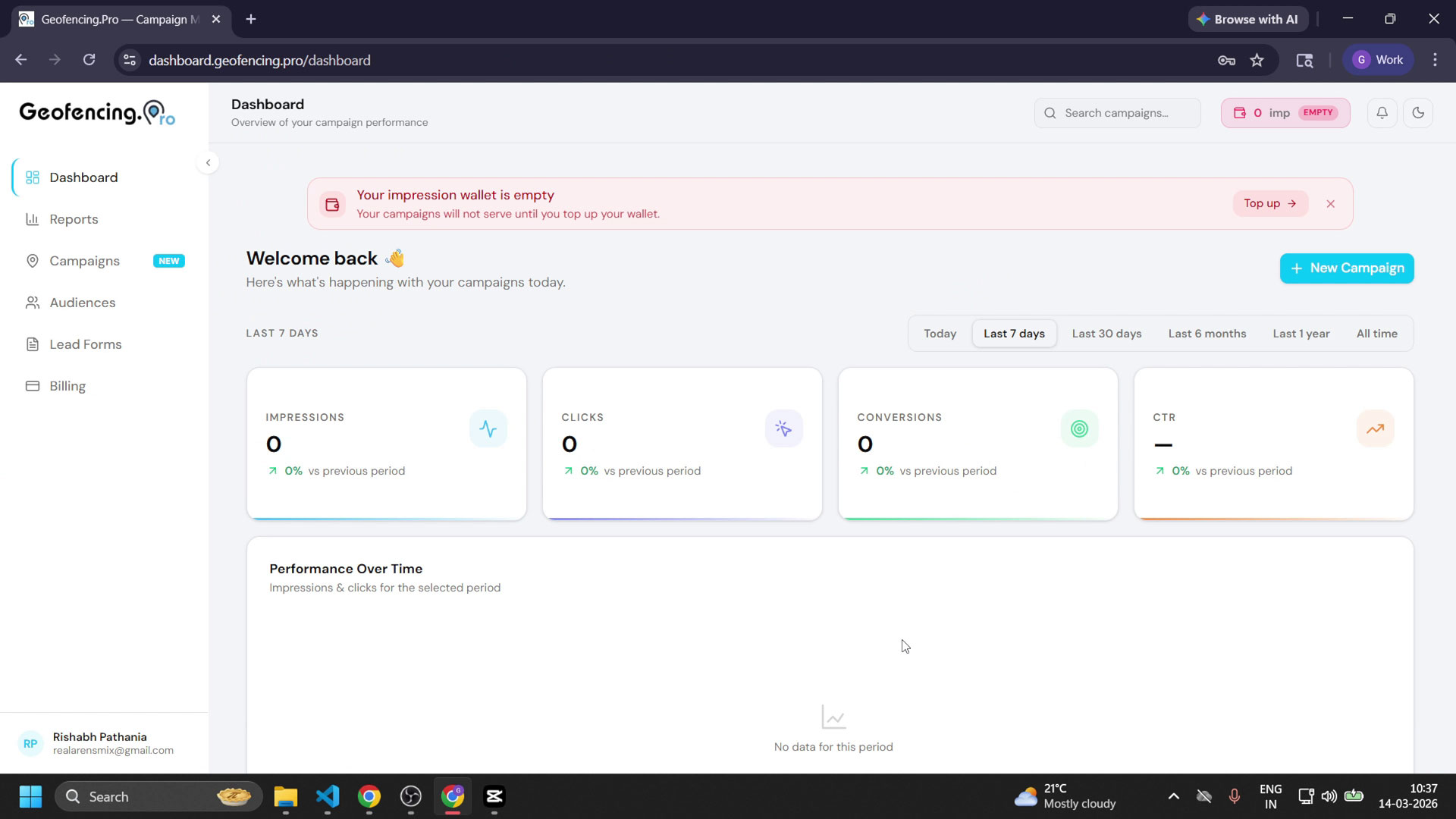
After successful sign-in you will be redirected to your account dashboard. From here you can manage your campaigns, audiences, lead forms, and billing.
Forgot your password? Click “Forgot Password” on the login screen or visit the Forgot Password page in the sidebar to reset it.